Icon
Icon ILU Series Process Data Collection Software
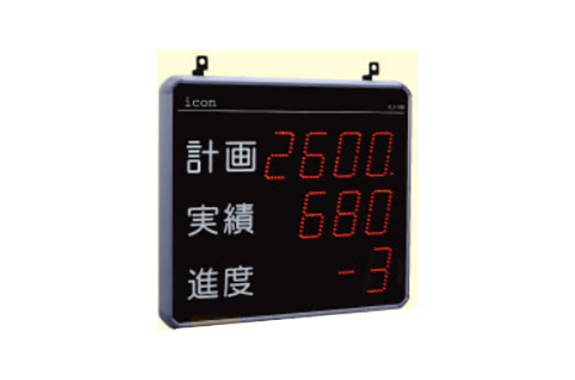
Manufacturer: Icon Co., Ltd.
Model: ILU Series
Features and Functions
Production Monitor
Real-time centralized display of production status
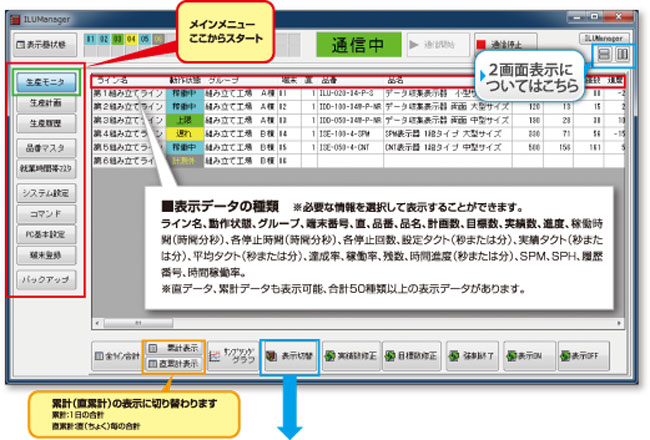
◇Display switching
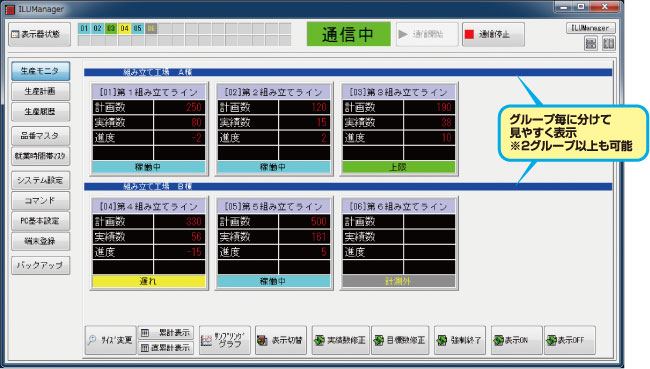
■ Understand the situation on-site in real time on a computer screen
- Select and display the information you need from a wealth of data.
- The name of the displayed data can be changed freely.
- The display image allows for intuitive understanding.
- Grouping makes it easier to see. It can also be graphed.
◇2 screen display
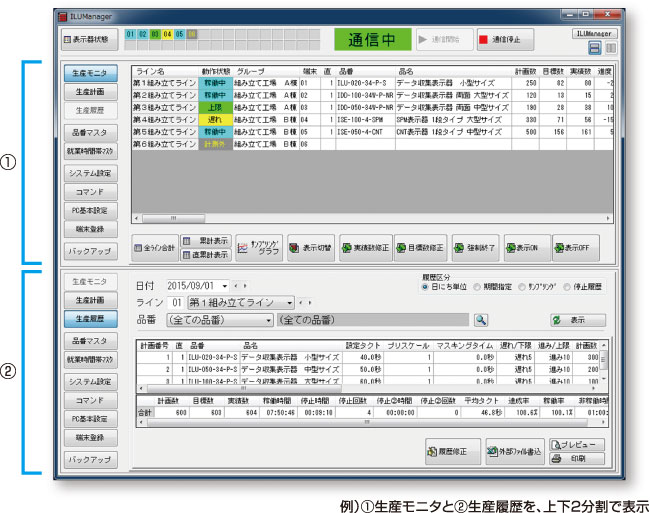
■ Dual screen display button
Up to two of each menu can be displayed at the same time. (Left button: Split into two, top and bottom Right button: Split into two, left and right)
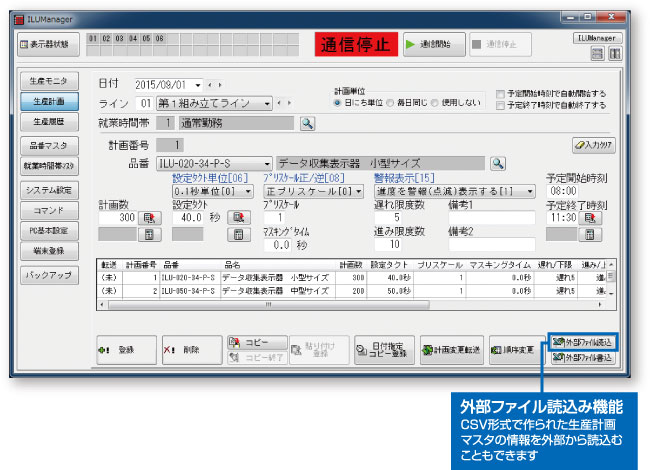
Production Planning
■ By registering the plan on a computer, on-site setup work is no longer necessary
- You can register plans for the day as well as the next day and beyond. *You can register plans from the next day onwards without a deadline.
- It’s okay even if you don’t have a plan. Data can be collected without a plan.
- The estimated end time is automatically calculated and displayed.
Production History
Utilize past measurement data (view, edit, print, file output)
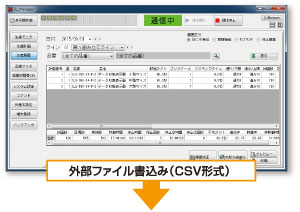
1. Production history (days) (period)
Production history for each line
■ Check production results by date (period)
- Create daily report data, check results by product number, check totals for all product numbers, etc.
- Data can be narrowed down by product number.
- Any period can be specified (weekly report, monthly report, etc.)

2. Suspension history
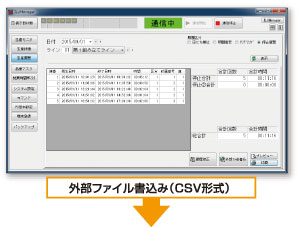
Record history by inputting the stop terminal on the display unit [Stop/Stop②]
■ Record and check setups, abnormal shutdowns, planned shutdowns, etc.
- Two types of input information can be managed separately.
- Record and confirm the date and time when the input occurred and ended.

Master Registration
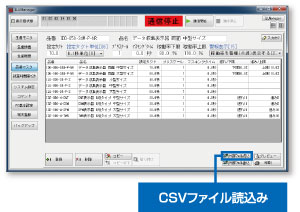
Master registration of product numbers and working hours
■Product Number Master
Registration items
- Product number: up to 20 characters
- Product name: Up to 40 characters (half-width) or 20 characters (full-width)
- Setting takt time: 0.1 to 999.9 seconds / 1 to 9999 seconds / 0.01 to 99.99 seconds /
0.1 to 999.9 minutes - Prescale 1 to 999 times (or 1/1 to 1/999 times)
- Masking Time
- Alarm display (lag/advance, operating rate lower/upper limit)
■Reduces the effort required for plan registration. Also useful for history management.
- There is no limit to the number of product numbers that can be registered.
- It is possible to narrow down data for specific product numbers from historical information.
■Working hours master
Registration items
- Working hours No.
- Working hours name
- All Clear Time 1
- Direct clear time 2
- Direct clear time 3
- Start/End time (Max 16 divisions)
■To collect information more accurately.
- Data collection distinguishes between working hours and break times.
- There are a total of 99 working hours that can be registered.
- Working hours are displayed in a graph to prevent incorrect registration.
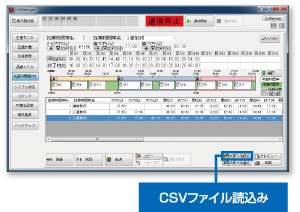
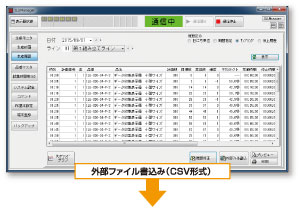
Sampling History
Sampling history for each line on a specified date *Record and analysis of progress (by hour)
■ Record and check progress data during production
- Record data at regular intervals, such as every 5 minutes or every hour.
- You can also specify any time to record.
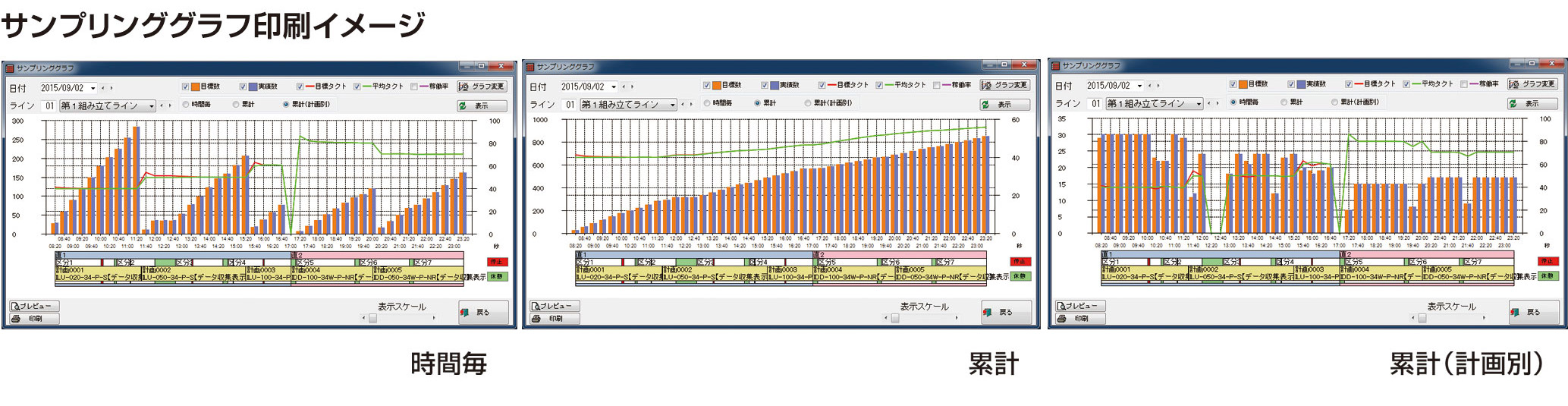
- Historical data can be converted into various graphs and viewed.

ILU Manager Monitor (optional software) *Sold separately
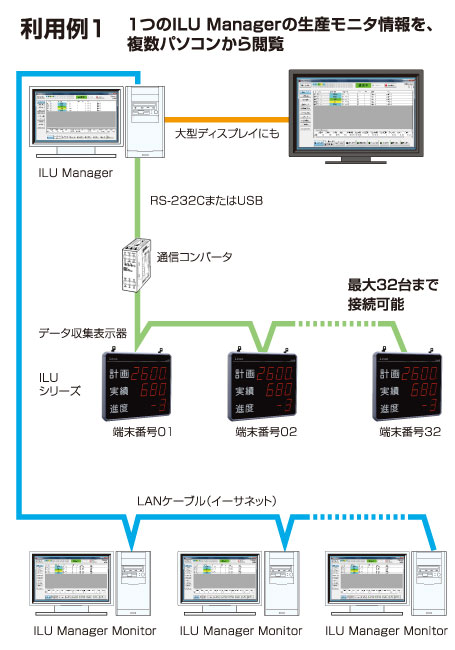
What is ILU Manager Monitor?
ILU Manager Monitor is software that allows you to monitor information equivalent to the [Production Monitor] of the process data collection software “ILU Manager” on other computers on a LAN.
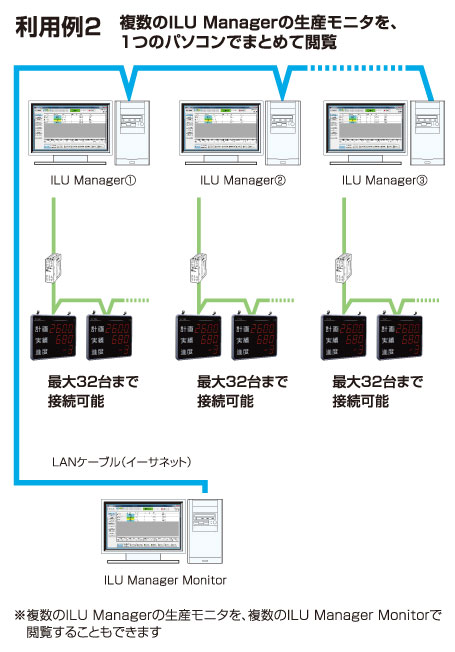
What you need to prepare
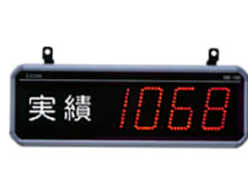
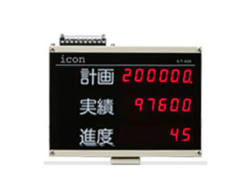
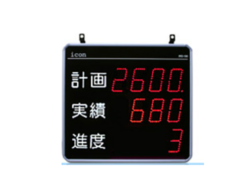
| Process Data Collection Display | ILU series (1 to 32 units) |
|---|---|
| 0.5sq 3-core shielded wire | Wire type: MVVS 3CX 0.5sq or more or equivalent |
| Computer | – A personal computer equipped with an Intel 32-bit (x86) processor or 64-bit (x64) processor, or a compatible processor, running the following basic software – At least one serial interface (COM port) or USB (V1.1 or later) interface must be available (if using USB, a virtual COM port driver must be installed). – A display resolution of 1024 x 768 dots with 256 colors or higher must be available. – LAN must be available (if using ILUManager Monitor (sold separately)). |
| Basic software | Windows 10 Home/Pro (32/64bit) Windows 7 HomePremium / Professional / Ultimate (32bit) Windows XP Home / Professional (32bit) *Please use with a Japanese OS. |
| CPU, memory | The environment must be one in which the OS can operate smoothly. |
| hard disk | Installation: 10 MB or more Data: Maximum 1 GB/year (32 devices, 30 plans, 5-minute sampling) |
| External auxiliary recording device | CD-ROM drive |
REQUEST QUOTATION
PAYMENT

LINK